 ChatGPT
 Claude
 Perplexity
 Gemini
 Grok
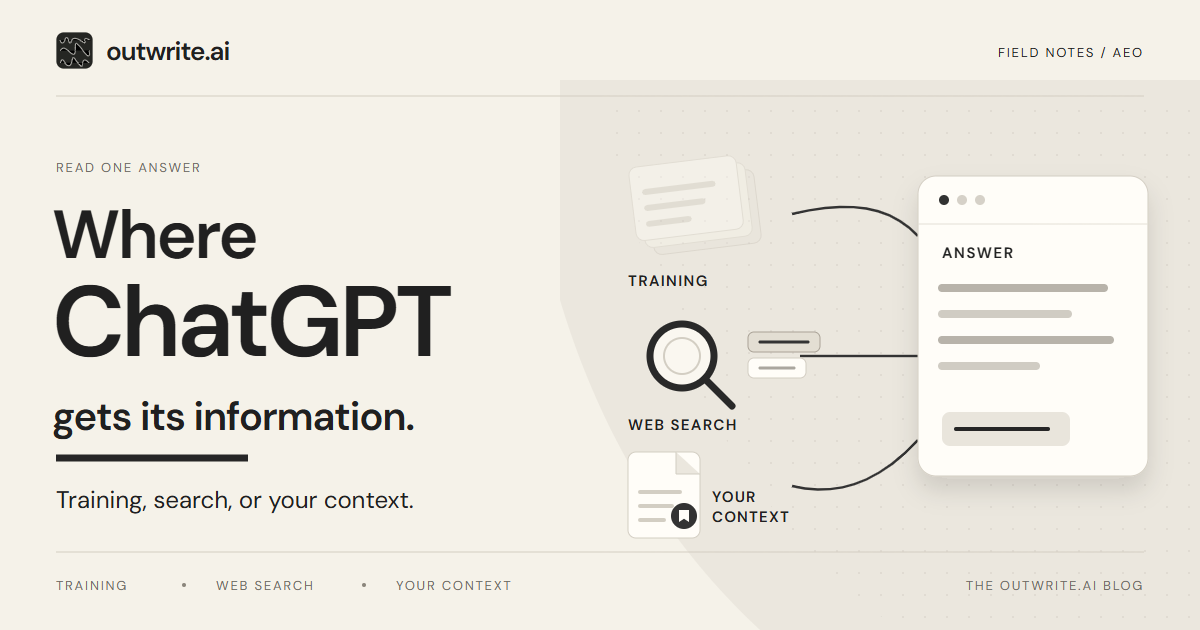
ChatGPT gets information from patterns learned during training, web search, and context available in a conversation, such as your prompt, files or connected apps. An answer can combine these sources. For a website owner, the useful question is which evidence you can inspect and what you can correct, rather than guessing where every sentence originated.
Check the cited material, correct the public facts you control, and leave the source marked unknown when the answer does not reveal it.
Key takeaways
- Inspect the answer's search citations and Sources panel, then open the referenced page. A normal hyperlink in the text is not proof that a web search ran.
- No visible citation does not establish that search was skipped or that the answer came from training. Keep that origin uncertain.
- Disallowing GPTBot is a training choice. It does not opt a site out of ChatGPT search. That control is OAI-SearchBot.
- You can update a public page. You cannot edit existing training data, or someone else's files or memory.
Which sources can shape the answer?
These are possible inputs, not labels you can assign reliably to every sentence. Use the table to choose what to inspect.
| Source | When it is used | Citation shown? | What you can change | How to verify |
|---|---|---|---|---|
| Built-in knowledge | The model answers from training. No live page is required. | No citation is required. Missing citations do not identify training as the source. | Update public pages for a later search. You cannot edit existing training data. GPTBot is a future-crawl choice. | Check the fact independently; an old fact does not reveal its origin. |
| Web search | Current information would help, or the person selects Search. | Often a citation or web links under Sources. A citation can be missing. | Allow OAI-SearchBot and its published IP addresses. Keep the page accurate and crawlable. | Open the cited URL. Check robots.txt and server logs. |
| Your context | The prompt, an uploaded file, or enabled memory or a connected app. | Sources may name a file, memory, past chat, or app. | Nothing in someone else's account. You can still correct your public page. | Ask if a file was attached and if Memory is on. |
Where does ChatGPT's built-in knowledge come from?
Built-in knowledge comes from training, rather than a live copy of your website. OpenAI describes three broad inputs: public internet material, licensed or partner information, and information supplied or generated by users, trainers and researchers. Its model-development explanation describes learning as changes to model parameters, not a searchable archive of stored source pages.
Changing a page does not directly edit an already-trained model. Keep the current facts public so future retrieval can find them. Knowledge cutoffs also vary by model; the companion guide explains what that means for a content calendar.
When does ChatGPT search the web?
ChatGPT may search when a question needs current information, or when you select Search. Its search documentation explains the controls and their availability.
To request a search, open View all tools and choose Search, or type / and select Search. Availability is subject to account and workspace limits.
Search answers may display citations and a Sources panel. Those references can be wrong or out of date: check whether the page supports the claim, rather than trusting the link alone.
Search can involve other providers and rewritten queries. Enabled memory and approximate location can influence the search, so two people asking the same wording may not see the same result.
For search eligibility, permit OAI-SearchBot and the published searchbot IP ranges through your host or CDN. Access does not guarantee placement. The ChatGPT visibility guide covers the on-page work.
How can you tell which source an answer used?
Start with the controls on that answer, then match them to training, web search, or the person's own context.
Visible sources provide useful evidence, but they do not provide a complete history of how the answer was produced. The following is a checking method, not a way to reverse-engineer model training.
- Check the search interface and the cited page together. Distinguish a source shown by the search tool from an ordinary link in the prose. Record whether your own domain was cited and whether a competitor was cited separately. A working URL alone does not verify the sentence beside it.
- Inspect any personal-context sources. OpenAI's Memory guide explains that Sources may identify chats, files, memories or connected apps, without showing every influence. Where available, review Memory under Settings → Personalization. An old uploaded proposal is different from an outdated public web page.
- If the source is not visible, mark it unknown. The answer might reflect learned patterns, context that is not displayed, an uncited retrieval, or an incorrect generated statement. Neither a familiar old fact nor a confident explanation establishes which occurred. Check the fact against an authoritative page; a new search can test the current answer without proving the origin of the earlier one.
Judge the claim you care about. One reply can mix a trained explanation with a single cited page.
What can a website owner control?
You can change your public pages and the crawler rules on your own site. You cannot edit existing training data, and you cannot edit a prompt, file, or memory in someone else's account.
OpenAI's crawler documentation separates search from training. OAI-SearchBot controls search access; GPTBot concerns material collected for training. The settings are independent. Sites that block OAI-SearchBot can still appear as navigational links, and search systems may take about 24 hours to reflect a robots.txt change.
ChatGPT-User handles certain user-triggered requests; it is not the search-inclusion control, and robots.txt may not apply. Keep information that is not approved for public disclosure behind authentication. robots.txt is not access control. See the crawler and training-controls research report for the distinctions.
What should you change when the answer is outdated?
Start with a fact you can verify and a page you can change. Correcting the public record is useful even when the origin of the earlier answer is unknown.
Northline Ledger is a fictional bookkeeping firm. Its services page still says it works only in Oregon. The firm now also works in Washington, but that fact is not on the public page. A prospect asks where Northline Ledger works, and ChatGPT says Oregon only.
- The search result cites the old services page. Update its service-area statement and verify that the new text is visible at the same URL. In a fresh search, inspect the answer and linked page again. That check tells you what happened in the new sample; it does not guarantee every user will receive the correction.
- The answer does not show its sources. Record the origin as unknown. Update the services page anyway, then run a new search for the firm's service area. If the new answer cites the corrected page, save that result. Do not retrospectively label the first answer as training data.
- The prospect identifies an old proposal or memory. They can replace that file or correct the remembered detail in their own account. Your website edit will not change it. The current services page gives them a public reference they can verify.
How do you check whether ChatGPT cites your site?
Ask a buying question your customers use, save the full answer and every source it names, and open each cited page.
Answers can vary between runs. Keep the prompt wording stable and record the date, model or product surface, search setting and relevant conversation context. Save the full response and the cited URLs. Record your own domain and competitors separately. A before-and-after change is an observation, not proof that your page edit caused it.
Match the tool to the claim:
- robots.txt shows the rule you published for OAI-SearchBot, GPTBot, and ChatGPT-User. It does not show that a model quoted you.
- Server logs can record requests claiming to be a crawler. Verify published IP ranges before attributing a request to OpenAI; a user-agent string can be imitated. A verified fetch still does not establish a citation.
- The cited page shows whether the answer's words are actually there. Open it.
- Analytics or server logs can record referred visits when attribution is available. They do not count citations without visits or reveal which sentence prompted a click.
- A repeated prompt, with the answer and sources saved, shows what ChatGPT said for that wording on that date. The GEO audit guide explains how to keep a prompt set stable and how to record a mention separately from a citation.
Where outwrite.ai fits
outwrite.ai's ChatGPT rank tracker saves the full answer and its sources for the buying questions you track (managed questions in Simple, your own prompts in Pro), checks them every 3 days, and keeps each platform separate. ChatGPT is one of six: Perplexity, AI Overviews, Gemini, Claude, and Grok are checked on their own. A mention saved for ChatGPT is not counted as a mention on another platform, and each saved answer keeps its own check date. Your page, a competitor, and a review site stay distinct when a source is labeled. If a check does not complete, it stays unavailable rather than becoming an invented negative result. These checks are repeatable observations for your chosen prompts, not access to private customer conversations.
The free AI visibility check is shorter. It reads your public website, selects three buying questions, and separates a mention, a recommendation, and a citation. No account and no credit card are required. Depending on the market and language, it can include ChatGPT, Gemini, and Google AI Mode. A citation in that report is evidence of a link, not automatically an endorsement.
Use the free check for that three-question sample. To keep the answers and sources on a schedule, try outwrite.ai free for seven days, with no credit card required.
Sources and scope
Linked OpenAI and outwrite.ai pages were checked on November 18, 2026.