
 ChatGPT
 Claude
 Perplexity
 Gemini
 Grok
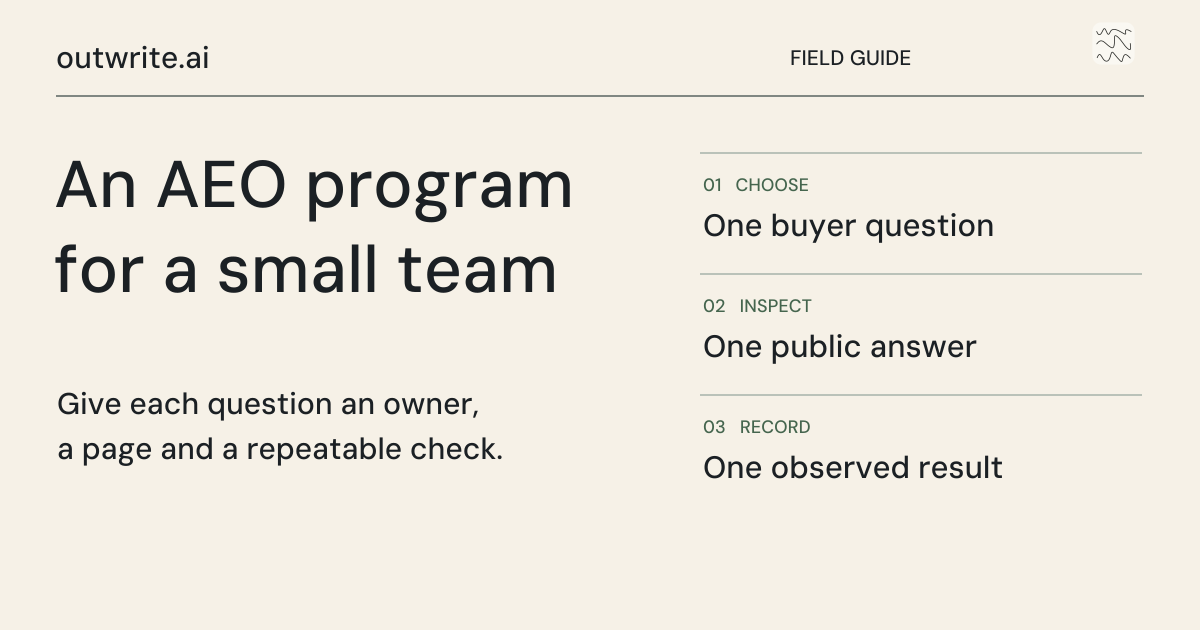
To start an AEO program with a small team, choose one customer group, write down the questions they ask before buying, check how your business appears in those answers, and improve the pages that would help them decide. Give one person responsibility for the work and review the results on a repeatable schedule.
Answer engine optimization means helping people discover and understand your business through AI-generated answers. It belongs alongside your Google search work. You do not need a separate department or a large publishing calendar to begin.
This guide gives you a first-month plan, a simple way to assign ownership, and a worksheet for choosing articles. The schedules and examples below are our suggested starting points, not industry benchmarks or promises of results.
What your first month should produce
At the end of the first month, you should be able to explain which buyers you are trying to reach, what information they need, what you have improved, and how you will judge progress. An increase in recommendations or enquiries would be welcome, but it is not a deadline you can promise.
| Week | Main task | Keep this record |
|---|---|---|
| 1 | Choose a buyer group and check your starting position | A short list of buyer questions and saved answers |
| 2 | Find the most important missing or unclear answers | A prioritized list of pages to improve or write |
| 3 | Prepare, check and publish the first useful changes | Published URLs, sources and the person who reviewed them |
| 4 | Check delivery and decide the next work | What changed, what remains uncertain, and the next articles |
If you are doing this yourself, keep the first batch small enough to review properly. A corrected service page and one useful article can be a more sensible start than ten rushed posts. The number should follow your available expertise and the questions you can answer well.
Who should own AEO and its budget?
For a small company, put the person responsible for website enquiries or marketing in charge. That might be the founder, a marketing manager, or your existing SEO lead. They should decide what matters, keep the work moving, and report what happened.
Other people contribute where they know more. A salesperson can explain buying objections. A subject expert can check technical claims. A developer can resolve a blocked page or broken form. One person can hold several of these roles, but each task still needs a named owner.
| Responsibility | What they decide |
|---|---|
| Program owner | Which buyers and questions matter; what gets worked on next |
| Subject reviewer | Whether the answer, business claims and examples are accurate |
| Website owner | Whether pages, forms and publishing connections work |
| Budget owner | Whether the time and software expense are justified by useful work and eventual outcomes |
Keep AEO in the same planning conversation as organic search. A clearer comparison, a useful buying guide, or an accurate service page can help a customer arriving through either route. Separate budgets are less useful than knowing which work you are paying for twice.
Week 1: choose the questions your buyers actually ask
Start with enquiries, calls, support conversations and search queries you already have. Look for a decision someone needs to make before working with you. If you do not have much customer history, use your service descriptions and public market research as a starting hypothesis, then revise it as real questions arrive.
For a fictional specialist recruitment company, a useful starting set might include:
- Which recruitment agencies help UK manufacturers hire maintenance engineers?
- When does retained recruitment make sense for a difficult engineering hire?
- What should we ask an agency before giving it an exclusive search?
- How do recruitment fees work for permanent engineering roles?
- What information should we prepare before briefing a recruiter?
These are examples, not measured searches. Notice that they describe a buyer, a service and a decision. A generic question such as “What is recruitment?” is less useful for deciding what this company should publish first.
Keep questions that name your company separate from questions that do not. A correct answer to “What does our company do?” is useful for checking accuracy. It does not show that an unfamiliar buyer would discover you.
Save a starting comparison you can repeat
Check a manageable selection of questions in the AI services your buyers use. Save the exact wording, date, market, language, service and answer. Record whether search was enabled when that choice is available. Repeat uncertain observations instead of treating one answer as a permanent ranking.
- Mention: the answer names the business.
- Recommendation: the answer presents it as an option for the buyer's need.
- Citation: the answer links to a page as a source.
A source link can support a general explanation without recommending the business behind that page. Keep those observations separate. If you change your questions next month, compare the unchanged questions separately so a different test does not look like an improvement.
Week 2: choose what to fix or write
For each important question, open your own website as if you were the buyer. Can you find a useful answer? Does it explain who the service is for, what it includes, where it is available and what happens next? Check the pages cited in the saved AI answers for missing information, not wording to copy.
Decide between four actions. Improve an existing page when it already serves the same purpose. Write a new article when the reader has a genuinely different question. Correct an inaccurate business detail when the facts are wrong. Leave a topic alone when it is outside your offer or you have nothing useful to add.
| Buyer question | What is missing? | Proposed action | Evidence needed |
|---|---|---|---|
| Does retained recruitment fit this hire? | The service page explains the process but not who should use it | Add a decision section to that page | Current service conditions and reviewer input |
| How should we brief an engineering recruiter? | No practical briefing resource exists | Write a checklist with a worked example | Approved process and realistic role requirements |
| What does the agency charge? | A third-party listing describes an old offer | Correct the listing and clarify the website | Current pricing policy, including any limits on public disclosure |
This table is a fictional planning example. Your first priorities should combine relevance to buyers, a real information gap and your ability to supply a good answer. Do not choose a topic simply because a competitor wrote about it or because an AI answer omitted your name once.
Check access before rewriting everything
Make sure the page loads, is reachable from your navigation or related articles, and is eligible for indexing. Google says its AI search features use the usual search foundations; there is no special AI schema requirement. Inclusion is not guaranteed. Use Google's site-owner guidance for the technical details.
If you find a technical problem, give the website owner a specific URL and symptom. “This page returns an error” is an actionable task. “Make our site AI-ready” is not.
Give your developer one access test they can repeat
Before commissioning another article, pick a public page that already answers a buyer question. Ask a developer to check whether a search crawler can fetch that specific answer. A request to “make the site AI-friendly” gives them no finish line. A ticket that names the page, the product, the expected result and the owner does.
| Ticket field | Example for a software company |
|---|---|
| Buyer question | Can a customer export their data after canceling? |
| Page to inspect | The public help article explaining export, rather than a private account screen. |
| Expected behavior | A reader can see the instructions without signing in. The approved search crawler can request the same public URL. A private export still requires authorization. |
| Evidence to attach | The final URL, time, response status, the text returned and the crawler rule that applies. Record a challenge page even if it returns a success status. |
- Write the policy before changing the file. Ask the site owner separately about search discovery, model development and a reader asking an assistant to open a link. Record their decisions in the ticket. If two uses share one provider control, take that trade-off back to the owner.
- Check the public path and a private counterexample. Use a signed-out session. Follow any redirects on the help article and confirm the actual answer appears. For the private test, use a test account and a synthetic export. An anonymous visitor should never receive its contents.
- Inspect what the site serves at the edge. Read the robots file on the hostname that serves the final article. Have the developer check applicable groups and firewall rules. A request made from your laptop with a crawler name can reveal a challenge; record it as a simulation. Use the provider’s verification procedure before calling a log entry a genuine crawler visit.
- Keep the marketing outcome separate. Save the result of the access test. Then run the original buyer question through your regular visibility checks and retain the answers and cited URLs. If the citation is absent, leave it absent. A successful fetch closes the engineering ticket; only an observed answer changes the citation record.
If the help article fails, assign the relevant owner. Support edits an incomplete answer, engineering removes an unintended access barrier, and the site owner decides how the content may be used. Schedule a repeat after a CMS migration, domain change or new firewall policy. For a concrete provider example, compare the purposes listed in the OpenAI crawler documentation. For the cross-provider comparison, see our research on AI search crawlers and training controls.
Week 3: publish something worth finding
Give every article a brief that explains the reader, the question, the answer you intend to provide and the evidence required. Include what the business can contribute: an approved process, a comparison based on current facts, an example, a checklist, or expertise from the person doing the work.
Before publishing, check factual claims, links, dates, images and the next step for the reader. If AI helps write the draft, it still needs responsible review. Google's generative content guidance calls for fact-checking and review; generating more pages is not a substitute for adding value.
After publishing, inspect the actual page on a phone as well as a larger screen. Check the tables, headings, image and form. Link it from a relevant existing page so someone can reach it without already knowing the URL.
Week 4: measure the work without inventing a result
Keep three separate views: what you delivered, what people can discover, and what visitors did. They answer different questions.
- Delivery: pages improved, articles published, factual problems resolved.
- Discovery: Google impressions and clicks, plus mentions, recommendations and citations in your saved AI checks.
- Business outcomes: relevant enquiries, completed trials or sales that your analytics can actually connect to a source.
Google includes AI Overviews and AI Mode in Search Console's Web data. That total does not isolate their clicks. In Google Analytics, the AI Assistant channel is separate from Google's AI search features. Avoid treating the two reports as interchangeable.
If you have only a few visits, show the counts alongside the rate. One enquiry from ten visits is useful information, but it is not proof that the next thousand visitors will behave the same way. Our review of AI referral conversion evidence explains why published benchmarks often disagree.
A weekly routine you can maintain
Choose a recurring review slot rather than checking every dashboard throughout the day. Look for work that is blocked, important inaccuracies, and the next article that needs input. Then let the scheduled work continue.
At the monthly review, ask: Are we answering useful questions? Are the pages being discovered? Are visitors taking a worthwhile next step? What evidence would justify changing the next batch? If the data is still sparse, say so. You can improve an unclear answer without pretending that you have proved a ranking effect.
Keep existing pages in the same list as new ideas. When you learn something new, an update may serve the reader better than another article on a nearly identical subject.
How much should you spend?
Build the budget from the work you need done: research, writing, review, publishing, technical help and measurement. Include your team's time as well as subscriptions. There is no universal percentage of an SEO budget that a small business must move to AEO.
For a self-managed pilot, name the person who will review articles and cap the scope to what they can check. If you hire help, ask for the deliverables and responsibilities in writing. A dashboard subscription may measure visibility without doing the writing or publishing.
outwrite.ai is $99 per month after a seven-day free trial, with no credit card required to start. It connects research, article writing, publishing and visibility monitoring. That price is the software cost; it does not erase the need for your business knowledge or guarantee a particular number of customers.
How to run this in outwrite.ai
- Enter your website. Setup researches your business and prepares the first article topics and visibility checks.
- Check the business details. Correct anything important about your services, audience or offer before articles rely on it.
- Connect your website. Use a supported publishing integration. Search Console is optional and adds evidence from your existing Google performance.
- Choose your publishing settings. Set the schedule and article length. Use review mode when you want to check drafts before they go live.
- Review the first topics and articles. See why a topic was selected, make changes where needed, and let the ongoing workflow prepare later work.
The software helps with the repeated research and production work. You can see the scheduled articles in Plan and inspect visibility and search data in Results. Follow the getting started guide and publishing setup guides for the exact steps.
Try outwrite.ai free for seven days and see the first topics for your own website. No credit card required.